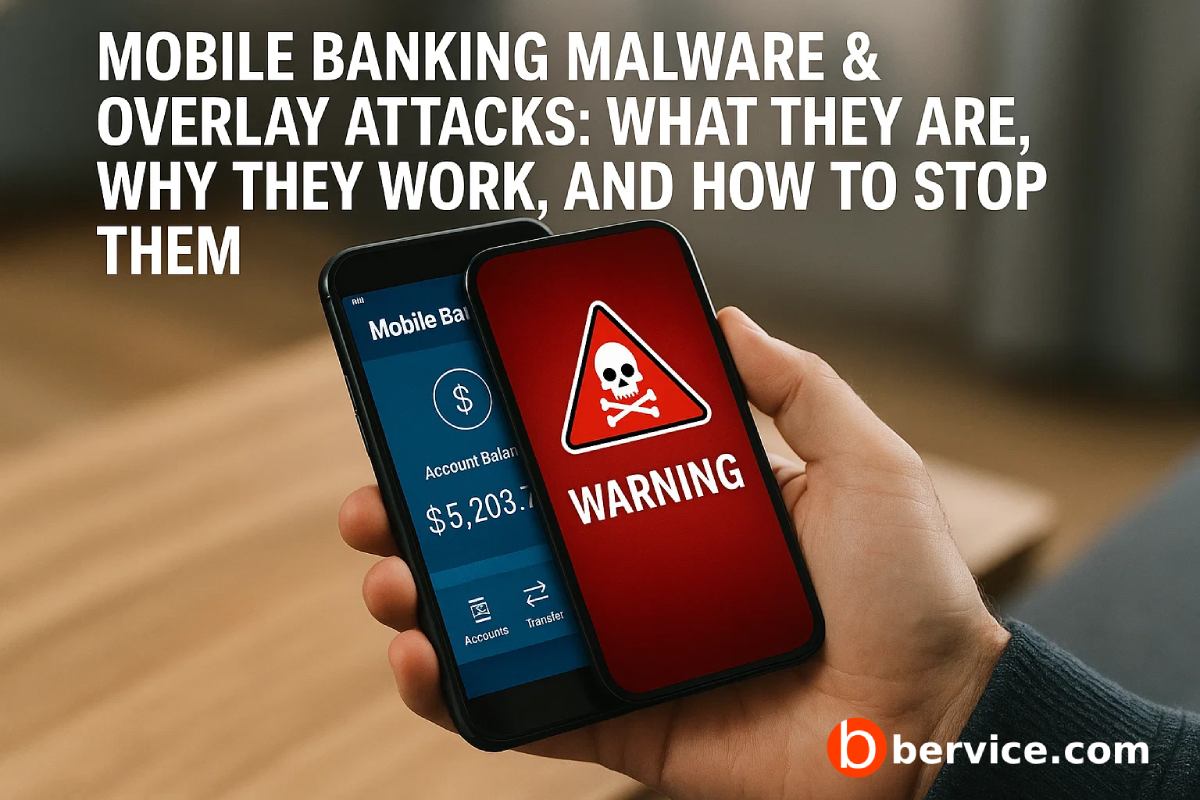
Short version: modern Android banking trojans steal credentials and authorize fraud by placing fake UI layers over real banking apps (or by abusing Accessibility), capturing input and bypassing controls. This attack vector is old, effective, and still widely abused — stop treating it like “user error.” Fix the product and the server, harden the client, and detect fraud faster.
1. What is an overlay attack (aka screen-overlay / clickjacking) — the technique
An overlay attack happens when a malicious app draws a UI layer on top of a legitimate app’s screen and tricks the user into interacting with that fake layer. On Android this can be done with the SYSTEM_ALERT_WINDOW (draw-over) permission, by abusing special window types, or by using the Accessibility Service to read and control foreground UI. The fake view can mimic login fields, confirmation dialogs, or OTP entry screens and forward the captured credentials to the attacker. This is the core mechanism used by many banking trojans.
Real-world families (BankBot, Exobot variants and many offshoots) have weaponized overlay + accessibility abuse for years; they remain a primary distribution for credential theft and fraudulent transfers. Do not assume “old” means “harmless.”
2. Why overlays succeed (brief, brutal truth)
- UX trust gap. Users see a familiar field and type. People rarely mentally verify which app owns a tiny input pane.
- Permission creep & social engineering. Malware requests seemingly benign permissions (accessibility, draw-over) and then walks users through enabling them.
- Defenses are fragmented. Device attestation, anti-tamper, and server fraud systems are often implemented poorly or not at all. Attackers exploit gaps, not just vulnerabilities.
- On-device stealth. Accessibility-based attacks can automate interaction and reduce forensic traces, making detection slower.
3. Attack variants you must know
- Classic draw-over overlay (SYSTEM_ALERT_WINDOW / TYPE_APPLICATION_OVERLAY): static fake screens or button hijacking.
- Accessibility-driven automation: malware reads the UI and injects or captures data, bypassing some UI protections.
- Toast/animation abuses & draw-and-destroy tricks: overlays displayed for micro-seconds to steal clicks or capture gestures (researchers have documented variants across Android versions).
4. Defend the client (what the mobile app must do)
You must treat the app as hostile-environment software. Here’s a prioritized checklist — implement everything you can, now.
- Block draw-over hijacking at the UI level.
- Detect when your app’s window is obscured (
View.isObscured()equivalents), refuse to accept high-risk inputs when obscured, and present a full-screen native challenge if obscuration is detected.
- Detect when your app’s window is obscured (
- Harden input paths.
- Use secure / custom keyboards for credential and OTP entry where possible (prevent keyloggers and overlay field-capture).
- Make sensitive inputs require explicit tap-and-hold gestures or an OS-level authentication surface (BiometricsPrompt) rather than plain text fields.
- Restrict Accessibility effects.
- Detect enabled accessibility services that aren’t whitelisted for legitimate assistive tools. Warn and block high-value flows if suspicious services are active. (Logging and telemetry here are crucial.)
- App integrity & anti-tamper.
- Use Play Integrity / SafetyNet style checks → refuse high-risk flows on rooted/emulator/modified devices. Don’t treat these as advisory only.
- Certificate pinning & TLS hygiene.
- Pin your server certs (or public keys) to mitigate MitM attempts used during credential exfiltration. Fail closed.
- Minimize sensitive UI surface.
- Avoid persistent credential fields; use ephemeral UIs, reduce copy/paste, and avoid pre-filling sensitive data.
- UI/UX anti-automation.
- Introduce subtle timing/gesture checks and randomization for critical confirmation flows (challenge-response) — make scripted automation and simple overlay forms brittle.
5. Defend the server (fraud controls that catch what the client misses)
Client hardening is necessary but not sufficient. Assume compromise and verify server-side:
- Transaction scoring & anomaly detection. Score every transaction with device signals, behavioral telemetry, velocity rules, geo anomalies, and risk models. Train on labeled trojan/clean datasets.
- Push confirmation with strong auth. Push an out-of-band confirmation that requires a biometric or secure token inside your app (not copy/paste OTP) before high-risk flows.
- Per-flow challenge escalation. When risk score rises, require re-auth with higher assurance (device attestation + biometrics + server challenge).
- Rate-limit and circuit-break. For unusual patterns (many beneficiary adds, rapid high-value transfers), throttle and require manual review.
- Telemetry & endpoint indicators. Ingest client integrity attestation and overlay/obscuration flags into the risk score in real time.
6. Detection & incident response
- Detect early: instrument the app to log obscuration events, unexpected Accessibility events, and sudden keyboard changes (careful on privacy). Ship these to a secure telemetry pipeline for ML/heuristics.
- Contain fast: on detection of likely overlay-driven credential theft, immediately invalidate sessions / tokens for the device and require multi-factor revalidation.
- Forensics: collect indicators: installed apps list, active accessibility services, draw-over permissions, process lists (where allowed), and server-side session traces.
- User treatment: assume compromise — block outbound funds, notify user with clear guidance, and require forced password + 2FA rotation.
7. People & process
- Threat modeling focused on UX attack vectors — include overlays and accessibility abuse as concrete threat cases.
- Secure-by-design product reviews for any flow that requests credentials, tokens, or payment confirmation.
- User flows that harden rather than frustrate: make the secure path frictionless for legitimate users and frictioned for anomalous sessions.
8. Quick action roadmap (what to implement in the next 90 days)
- Add obscuration detection and refuse credential input under overlay.
- Enforce Play Integrity checks and tie results into the risk engine.
- Implement server-side transaction scoring and a push-confirm escalation for high-risk transfers.
- Log Accessibility / draw-over signals to your telemetry and build a rule to suspend risky sessions.
Final word — don’t be lazy
Overlay attacks are not exotic — they exploit predictable gaps between UX and security. If your app trusts visual cues or treats attestation as optional, you are the weak link. Fix the client, harden the network, and stop assuming “users will notice.” Attackers count on that. Implement the checklist above; if you need, I’ll turn it into an engineering ticket list with code examples and server-side scoring rules next.
Connect with us : https://linktr.ee/bervice