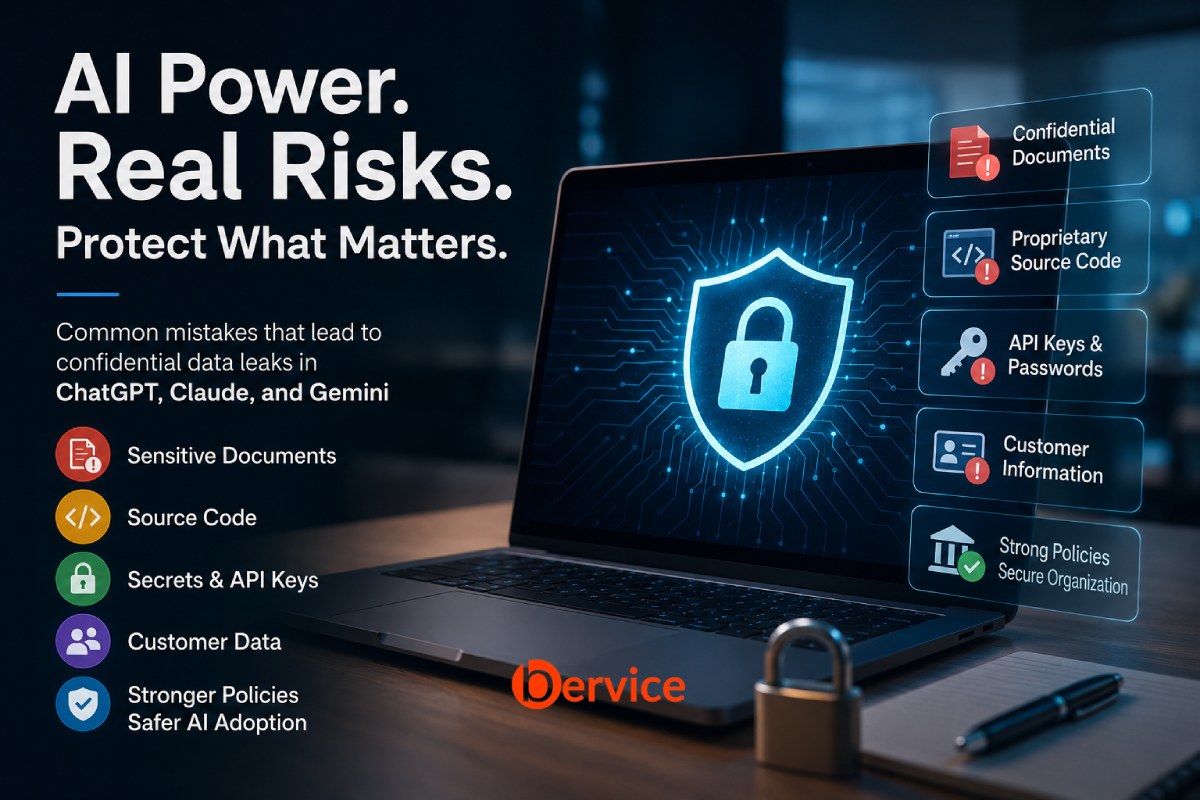
Enterprise Security Policies and Organizational Best Practices for Safe AI Adoption
Artificial intelligence has become a standard part of modern workplaces. Employees use ChatGPT to draft reports, Claude to analyze long documents, and Gemini to summarize emails, create presentations, or assist with software development. These tools can dramatically improve productivity, but they also introduce a new category of cybersecurity risk that many organizations underestimate.
Contrary to popular belief, most AI-related data leaks are not caused by vulnerabilities in the models themselves. They happen because organizations lack governance, employees do not understand what information should never be shared with AI systems, and security policies fail to evolve alongside rapidly changing technology.
The companies that succeed with AI over the next decade will not simply have the smartest models. They will have the strongest AI governance.
Why AI Introduces a New Security Challenge
Traditional cybersecurity focuses on protecting systems from external attackers.
Generative AI changes the equation.
Employees voluntarily send information to AI platforms every day:
- Source code
- Customer databases
- Financial reports
- Legal contracts
- Product roadmaps
- Internal meeting notes
- Strategic business plans
- API keys and credentials
In many cases, this information leaves the organization’s trusted environment with a single copy-and-paste action.
The greatest risk is not malicious hackers.
It is well-intentioned employees trying to work faster.
The Most Common Causes of Confidential Data Leaks
1. Copying Sensitive Documents into Public AI Services
The most frequent mistake is uploading confidential documents directly into public AI chat interfaces.
Employees often ask AI to:
- summarize contracts
- improve presentations
- rewrite reports
- analyze spreadsheets
- review proposals
Without realizing it, they may expose:
- customer identities
- employee information
- pricing models
- acquisition plans
- internal financial data
Even when AI providers offer strong privacy protections, organizations should never rely solely on default settings without understanding how data is processed, retained, or governed.
2. Sharing Proprietary Source Code
Developers frequently paste production code into AI assistants to:
- debug software
- explain complex functions
- optimize algorithms
- generate documentation
The problem arises when that code contains:
- proprietary algorithms
- business logic
- customer data
- encryption routines
- internal architecture
Intellectual property is often far more valuable than customer information.
Once shared outside approved environments, organizations may lose control over how that information is managed.
3. Exposing API Keys, Passwords, and Secrets
One of the fastest ways to create a security incident is copying configuration files directly into AI.
Examples include:
.env files

AWS Keys

Azure Credentials

Database Passwords

JWT Secrets

OAuth Tokens

SSH Keys
Developers often overlook embedded credentials because they are focused on solving a coding problem.
Modern AI should never become a repository for production secrets.
4. Uploading Customer Information
Customer records may contain:
- names
- phone numbers
- email addresses
- medical records
- payment information
- government identifiers
Depending on the jurisdiction, sharing such data with external AI platforms may violate regulations including:
- GDPR
- HIPAA
- PCI DSS
- CCPA
- local privacy laws
Compliance failures frequently originate from convenience rather than malicious intent.
5. Ignoring Data Classification
Many organizations classify information as:
- Public
- Internal
- Confidential
- Restricted
Unfortunately, these classifications are rarely reflected in AI usage policies.
Employees may not know that “Internal Use Only” documents should never be uploaded to external AI services.
Without clear guidance, users make their own decisions.
6. Shadow AI
Shadow AI refers to employees using unauthorized AI tools without IT approval.
Examples include:
- personal ChatGPT accounts
- unofficial browser extensions
- unknown AI websites
- third-party summarization tools
- AI meeting assistants
These tools often bypass enterprise logging, monitoring, and security controls.
Organizations cannot protect what they cannot see.
7. Excessive Prompt Sharing
Prompts themselves may reveal confidential information.
For example:
“Our new medical device launching in Q4 has a defect in the battery management system. Help me prepare an internal response.”
Even if no document is uploaded, the prompt alone exposes sensitive business intelligence.
8. Training AI with Confidential Knowledge Without Governance
Many organizations build internal AI assistants using company documents.
Without proper access controls:
- HR files
- legal documents
- executive strategies
- payroll information
- engineering specifications
may become searchable by employees who should never have access.
AI should respect the same permission model as every other enterprise system.
9. Poor Access Control
Many AI platforms integrate with:
- Google Drive
- SharePoint
- Slack
- Notion
- Jira
- GitHub
Improper connector permissions may expose thousands of sensitive documents to users who only need access to a small subset.
Least privilege remains essential.
10. Assuming AI Automatically Understands Confidentiality
AI models do not inherently know which information is confidential.
Unless organizations establish governance, AI cannot distinguish between:
- a public press release
- merger documents
- payroll files
- legal investigations
- trade secrets
Security must come from policy, architecture, and access controls.
Building an Enterprise AI Security Policy
Every organization adopting AI should establish clear governance before scaling usage.
A strong policy typically includes:
Approved AI Platforms
Employees should know exactly which AI systems are authorized.
Everything else should be considered unapproved by default.
Data Classification Rules
Clearly define what data may be shared.
Example:
Allowed
- public documentation
- marketing content
- generic programming questions
- educational material
Requires Approval
- customer records
- financial reports
- legal documents
- product designs
- internal strategy
Never Upload
- passwords
- API keys
- encryption keys
- payroll data
- acquisition plans
- regulated personal information
Identity and Authentication
Require:
- enterprise authentication
- single sign-on (SSO)
- multi-factor authentication (MFA)
- centralized identity management
This reduces unauthorized access and improves auditing.
Logging and Monitoring
Organizations should monitor:
- AI usage volume
- uploaded files
- prompt categories
- unusual activity
- data transfer patterns
Visibility is essential for incident response.
Employee Training
Technology alone cannot solve AI security.
Employees should understand:
- what data is sensitive
- which AI tools are approved
- common AI security risks
- prompt hygiene
- privacy obligations
- reporting procedures
Human awareness remains one of the strongest defenses.
Technical Controls That Reduce Risk
Organizations can significantly lower risk by implementing layered safeguards:
- Data Loss Prevention (DLP) for AI traffic
- Prompt inspection
- Secret detection before submission
- Automatic credential redaction
- Content classification
- Role-based access control (RBAC)
- AI gateway solutions
- Secure enterprise AI environments
- Encryption in transit and at rest
- Continuous security auditing
These controls help prevent accidental disclosure before sensitive information reaches an AI service.
A Practical “Think Before You Paste” Checklist
Before submitting anything to an AI assistant, employees should ask:
- Does this contain customer information?
- Does this include confidential business data?
- Are there passwords, tokens, or API keys?
- Would I email this to someone outside the company?
- Am I using an approved enterprise AI platform?
- Does this comply with company policy?
- Can I remove sensitive details while keeping the context?
If any answer raises concern, the information should be reviewed, anonymized, or handled through an approved internal AI environment instead.
The Future of Secure AI
AI adoption is accelerating across every industry, but security maturity has not kept pace. Organizations that treat AI as just another productivity tool risk exposing intellectual property, customer trust, and regulatory compliance through everyday workflows.
The future belongs to organizations that combine innovation with governance. Secure AI adoption is not about restricting employees from using powerful tools. It is about enabling them to use those tools responsibly through clear policies, technical safeguards, continuous education, and strong oversight.
The companies that build AI into their business securely today will not only reduce the likelihood of costly data leaks but will also earn the confidence of customers, partners, regulators, and employees. In an AI-driven economy, trust is becoming one of the most valuable competitive advantages an organization can possess.
Connect with us : https://linktr.ee/bervice
Website : https://bervice.com